
TL;DR

Get backup power and energy gear delivered free with Prime
- Fast, free delivery on millions of items
- Prime Video, Amazon Music and more included
- Member-only deals all year
Anton Frolov commissioned an illustrator to create artwork of his home, then used it as the background for an interactive Home Assistant dashboard. Device images change or animate with their states, while controls and readings sit over the drawing; the project’s main effort was planning and preparing the artwork.
Anton Frolov commissioned an illustrator to draw his house and adapted the artwork into an interactive Home Assistant dashboard, where animated device images and status readings appear over a picture of the home. In his report, Frolov said the new interface was one his family enjoyed using, addressing a problem with his previous dashboard: other household members did not want to use it to control devices such as the garden lights.
Frolov said he had spent about a year automating his home with Home Assistant, an open-source smart-home platform. Some routines ran automatically, including switching off air conditioners when the household left and adjusting sprinkler run time according to weather. Other tasks still required a person to use an app. The garden lights, for example, had a timer that switched them off and made them blink as the timer neared its end, prompting someone to open an app and extend it.
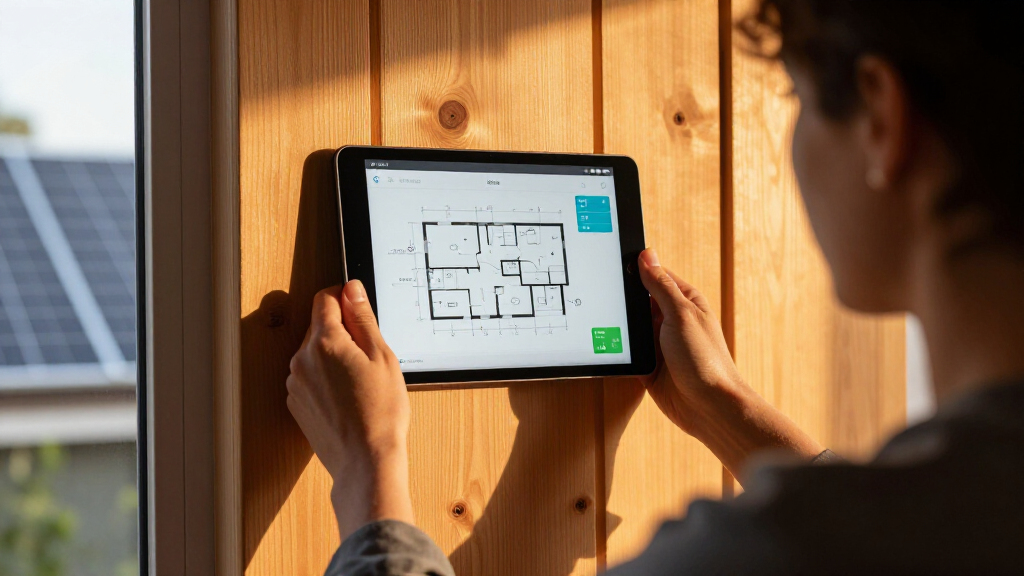
Rather than add a physical switch, Frolov decided to commission a drawing of the home as the dashboard’s main image. He gave the illustrator an architectural plan, room photographs, visual style references and examples of other dashboards, along with a technical brief describing the required files. The brief called for transparent images, day and night versions, and separate layers for devices in off and on states. The artwork needed to use a shared canvas size so its separate elements would line up when assembled.
Frolov built the interface with Home Assistant’s standard picture-elements card. The house illustration serves as the background; device images, icons and readings are positioned over it. In the report, he describes using state-dependent images and conditional elements so the dashboard can reflect device states. Some appliances appear as animations when switched on. For the garden, he commissioned three artwork versions: daytime, nighttime, and nighttime with the lights on.
A Dashboard Built Around the Home
The project illustrates a way to make a smart-home interface more specific to the people using it. Instead of presenting devices in a conventional list or grid, the dashboard places controls and status information on a recognizable image of the house. Frolov’s stated aim was practical: make it easier for his family to use controls that automation could not replace.
It also shows that a visually distinctive interface can depend more on preparation than on complex software. Frolov said finding an artist, agreeing on the design and setting technical requirements accounted for much of the work. The approach could appeal to Home Assistant users who want a customized interface, but it requires bespoke artwork and careful coordination; it is not simply a ready-made dashboard template.
custom smart home dashboard display
As an affiliate, we earn on qualifying purchases.
As an affiliate, we earn on qualifying purchases.
From Automation to Illustration
Home Assistant can automate routines and provide a central interface for connected devices, but Frolov’s account separates those two functions. His home already handled some actions automatically, while controls such as extending the garden-light timer still needed someone to interact with the system. The old dashboard did not meet that household need, according to his report.
Frolov considered floor-plan dashboards, including 3D and pixel-art approaches. He said the 3D examples he found often used a static model with interactive icons layered over it, while pixel art would have required drawing or assembling sprites. He ultimately chose an illustrator whose portfolio included illustrated spaces. For implementation, his article identifies Home Assistant’s built-in picture-elements card rather than a separate dashboard platform.
interactive smart home control panel
As an affiliate, we earn on qualifying purchases.
As an affiliate, we earn on qualifying purchases.
Costs and Results Not Specified
The supplied report does not give the commission cost, the illustrator’s name, or a publication date. It also does not provide usage data or detail how often family members now use the dashboard, so the account of improved household acceptance is Frolov’s own description rather than a measured comparison.
The available source material ends while describing how device images respond to state changes. It does not include the remainder of the implementation details, such as every technique used for controls or animations. The report also does not establish whether the illustration files or dashboard configuration are available for other users to download.
As an affiliate, we earn on qualifying purchases.
More Build Details May Follow
No further release, product update or follow-up schedule is stated in the supplied material. The next practical steps for anyone copying the idea would be to plan the artwork and file formats with an illustrator, then position the assets and state information in Home Assistant’s picture-elements card. Frolov’s report recommends requesting animated WebP files directly for moving elements; he said he had converted his own animation frames after initially asking for PNG sprite sheets.
Whether Frolov will publish the full dashboard configuration or additional details about the implementation remains unclear from the material provided.
home automation illustration artwork
As an affiliate, we earn on qualifying purchases.
As an affiliate, we earn on qualifying purchases.
Key Questions
What did Anton Frolov create?
He commissioned an illustration of his house and used it as the basis for an interactive Home Assistant dashboard, placing device images and status information over the drawing.
How does the dashboard show device status?
Frolov says he used Home Assistant’s picture-elements card, with images and other elements layered over the illustration. In his account, device images can change according to state, and some on-state artwork is animated.
What artwork did he ask the illustrator to supply?
His technical brief requested transparent files, day and night versions, and separate device artwork for on and off states. The elements were to be exported on a shared canvas so they would align when placed in the dashboard.
Why did he replace his old dashboard?
Frolov said other people in his household did not want to use his previous Home Assistant interface. He wanted a more inviting way for them to control devices that still required manual input, including the garden lights.
Is the illustrated dashboard available for others to install?
The supplied report does not say whether Frolov shared the artwork or dashboard configuration. It describes his project and the tools he used, but availability for other users is not confirmed.
Source: hn
Fall Picks
fall essentials
As an affiliate, we earn on qualifying purchases.