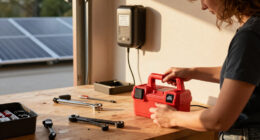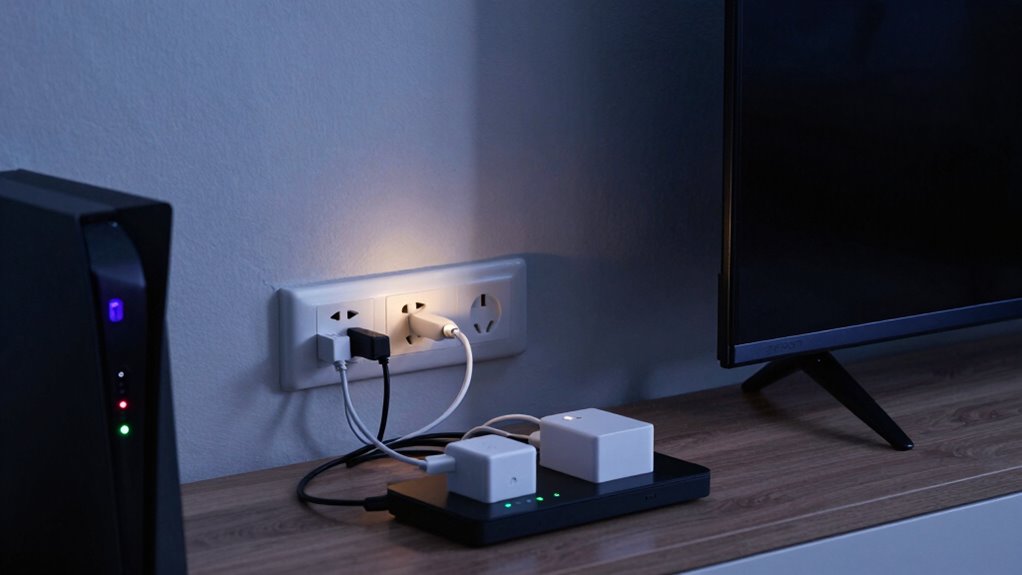

Phantom loads keep raising your power bills because devices draw electricity even when turned off but still plugged in, known as standby power. This small, ongoing energy use adds up over time, especially if many devices are connected. It wastes resources and increases your household expenses without you realizing it. If you want to discover simple ways to cut these hidden costs and save, there’s more you can do to manage your energy use effectively.

Get backup power and energy gear delivered free with Prime
- Fast, free delivery on millions of items
- Prime Video, Amazon Music and more included
- Member-only deals all year
Key Takeaways
- Devices in standby mode continuously draw small amounts of power, adding up over time.
- Multiple devices plugged in increase cumulative phantom energy consumption.
- Small, constant power draws lead to higher electricity bills without active use.
- Ignoring phantom loads results in unnecessary energy waste and increased costs.
- Using power strips and unplugging devices can significantly reduce these hidden energy expenses.
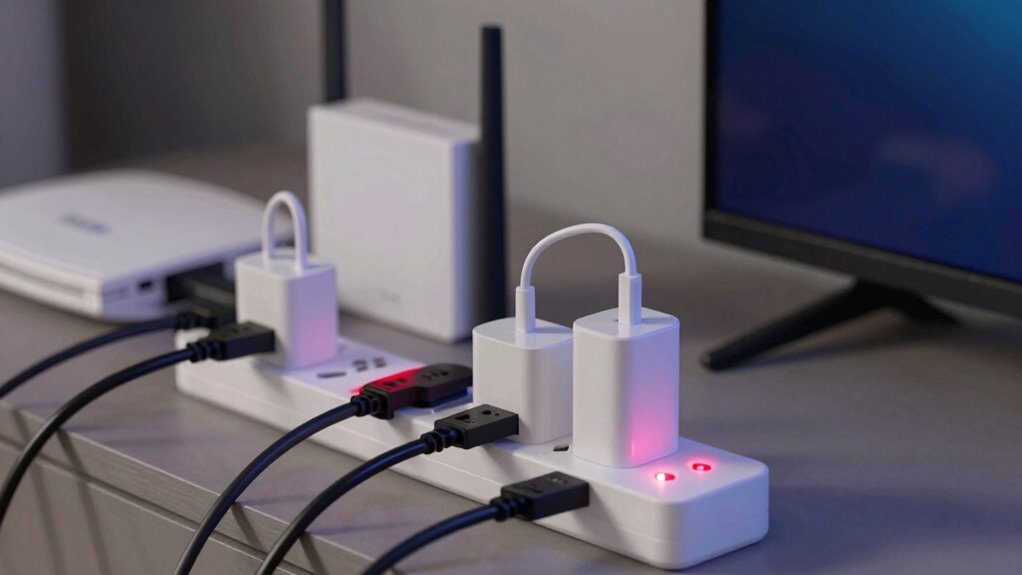
Many electronic devices continue to draw power even when they’re turned off, a phenomenon known as phantom loads. This sneaky energy drain happens because many appliances and electronics stay in a standby mode, ready to turn on quickly or provide constant updates. While it might seem trivial on its own, these small, continuous power draws can add up over time, quietly inflating your power bills. If you’re concerned about saving money and improving your home’s energy efficiency, understanding how appliance standby contributes to phantom loads is essential.
When your devices remain in standby mode, they still consume energy, often called standby power. This energy consumption isn’t always obvious, since the devices look turned off but are still silently pulling power. Examples include your TV, computer, gaming consoles, chargers, and kitchen appliances. Even a phone charger plugged into the wall consumes power when it’s not actively charging a device. The cumulative effect of these small draws can be surprisingly substantial, especially if you have multiple devices plugged in around your home. Over time, this unnecessary energy use leads to higher power bills and wastes resources.
Reducing appliance standby can markedly boost your home’s energy efficiency. One simple step is to unplug devices when you’re not using them for extended periods. Using power strips makes this easier—just flip a switch to cut off power to multiple devices at once. You can also invest in smart power strips that detect when devices are inactive and automatically shut off power, further minimizing standby consumption. Upgrading to energy-efficient appliances with low standby power ratings can also make a difference. Many modern electronics are designed with energy efficiency in mind, reducing phantom loads without sacrificing performance.
Being mindful of appliance standby is a proactive way to control your energy costs. Small habits, like unplugging unused chargers and turning off devices completely, can lead to noticeable savings over months and years. Remember, even though these devices may seem harmless when turned off, their ongoing standby power consumption contributes to higher electricity bills. Taking steps to reduce phantom loads not only saves you money but also supports a more sustainable lifestyle by cutting down unnecessary energy use. The effort you put into managing appliance standby is a simple yet powerful way to keep your power bills in check while improving overall energy efficiency at home.
Products Worth Considering

Philips Hue Festavia 65-Foot Smart String Lights, 250 Color-Changing LEDs

Philips Hue Smart LED Candle Bulbs, B39, E12, 2-Pack

Samsung 75-Inch M80H Series Mini LED 4K Smart TV (2026)
As an affiliate, we earn on qualifying purchases.
Frequently Asked Questions
How Can I Identify Which Devices Have Phantom Loads?
You can identify devices with phantom loads by unplugging gadgets and noting which ones still draw power. Energy-efficient adapters often minimize standby power, but some devices, like chargers or smart TVs, still consume energy when off. Use a power strip with an on/off switch to easily cut power to multiple devices at once, helping you spot and reduce phantom loads and save on your power bill.
Are There Specific Appliances That Consume More Phantom Power?
Think of your appliances as tiny, sneaky pirates hiding in your home, quietly draining your treasure. Devices like old TVs, chargers, and gaming consoles often consume more phantom power. Check energy efficient gadgets and power consumption labels to spot these culprits. These appliances tend to draw more phantom load when they’re turned off but still plugged in, making them the biggest energy thieves in your house.
Does Unplugging Devices Completely Stop Phantom Loads?
Unplugging devices completely stops phantom loads, preventing unnecessary energy consumption. Using energy-efficient gadgets with low standby power helps reduce these loads, but the most effective method is plugging devices into a power strip benefits you by allowing you to switch off multiple appliances at once. This way, you eliminate standby power and save on your electricity bill, ensuring your devices aren’t quietly draining power when you’re not using them.
Can Smart Home Systems Reduce Phantom Energy Consumption?
Smart home systems can markedly reduce phantom energy consumption by seamlessly syncing energy-efficient gadgets and smart power strip solutions. You can set schedules, turn devices off remotely, and monitor usage easily. By integrating intelligent controls, you prevent unnecessary power drain, saving you money. These systems streamline your energy habits, making it simple to cut down on wasteful phantom loads and keep your bills in check while enjoying the convenience of modern technology.
How Often Should I Check for Phantom Loads in My Home?
You should check for phantom loads every few months to keep your energy use in verify. Use energy monitoring tools to identify devices with high standby power, and regularly unplug or turn off devices when not in use. This proactive approach helps prevent unnecessary energy drain, saving you money. Developing a habit of device unplugging and monitoring keeps phantom loads under control and ensures your power bills stay manageable.
Conclusion
So, next time you see a device blinking in standby mode, remember it’s quietly siphoning off your hard-earned money like a sneaky thief in the night. Cutting down on phantom loads is like shutting the door on those unwelcome guests — it keeps your power bills in check and puts more money back into your pocket. Take control now, and don’t let these silent culprits drain your wallet any longer.