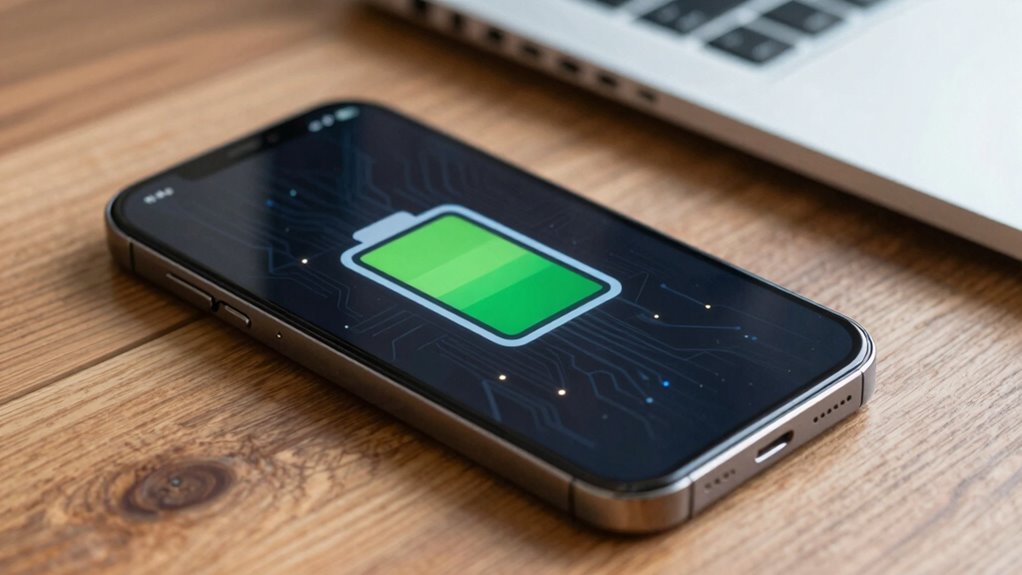

To extend your device’s battery life, you should keep charging within 20-80%, avoiding full charges or deep discharges that strain the battery. Limiting fast charging and heat exposure also helps prevent chemical wear. Regularly calibrate your battery and update firmware to improve management systems. Storing your device in cool, dry places and monitoring health makes a difference. Understanding these hidden principles helps keep your device performing at its best—discover more to optimize your care strategies.

Get backup power and energy gear delivered free with Prime
- Fast, free delivery on millions of items
- Prime Video, Amazon Music and more included
- Member-only deals all year
Key Takeaways
- Limiting charge levels to 80% reduces stress on battery chemistry, extending overall lifespan.
- Maintaining charge between 20% and 80% minimizes deep cycle damage and capacity loss.
- Fast charging increases heat, accelerating chemical degradation and reducing long-term battery health.
- Proper temperature management prevents chemical reactions that cause capacity decline.
- Regular calibration and firmware updates optimize battery management systems for better longevity.
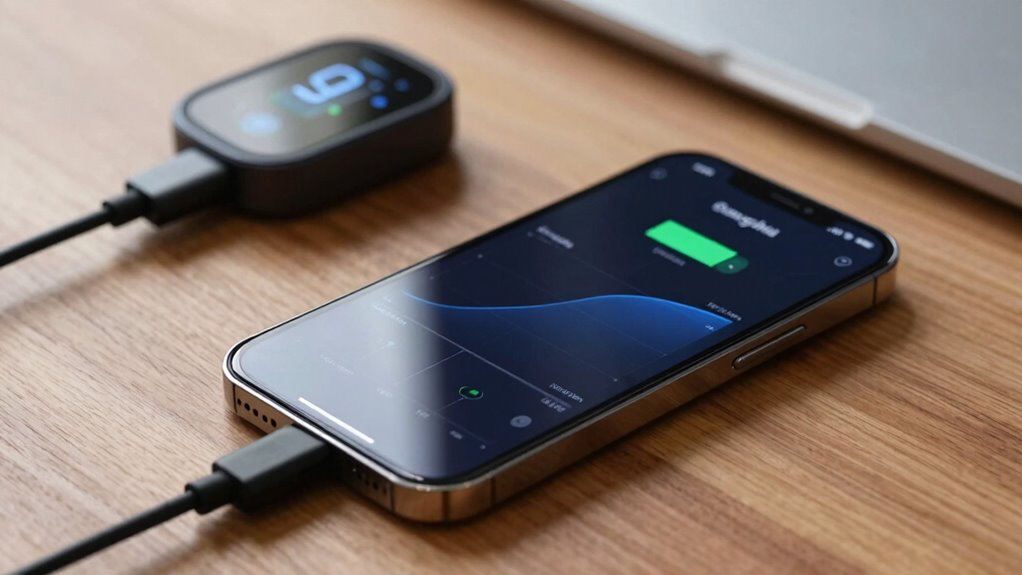
To extend your battery’s lifespan, understanding proper charging limits and care is essential. Batteries aren’t just passive power sources; they have a complex internal chemistry that benefits from mindful handling. One key aspect is battery calibration, which involves occasionally allowing your device’s battery indicator to reset itself. Over time, the software estimating your battery’s charge can become inaccurate, leading you to believe your battery is at 50% when it’s actually much lower. Calibration restores this accuracy, helping you better manage charging habits and avoid unnecessary stress on the battery. It’s simple: fully charge your device to 100%, then use it until it completely discharges, and finally recharge it to full again without interruption. This process resets the battery’s internal gauges, ensuring your device’s battery level readings are precise.
Charging speed optimization is another essential element in maintaining battery health. Fast charging can be tempting because it saves time, but it also generates more heat and stresses the battery, which accelerates wear over time. By controlling charging speed—using standard charging modes instead of rapid or turbo options when not needed—you reduce heat buildup and mitigate battery degradation. Many devices now offer settings to limit maximum charging levels or delay fast charging until it’s necessary, allowing you to balance convenience with longevity. Keeping your battery between 20% and 80% charge is a widely recommended practice, as it minimizes the stress caused by full charges or deep discharges. This is especially true if you’re aiming for long-term battery health, as maintaining these bounds reduces strain and heat generation. Additionally, understanding battery chemistry can help you optimize your charging practices further and extend overall lifespan. Recognizing charge cycle limits can also prevent unnecessary wear, as each full charge cycle slightly diminishes your battery’s capacity over time. Moreover, regularly updating your device’s firmware can incorporate improvements in battery management systems, which can further enhance longevity.
Furthermore, avoiding extreme temperatures is critical, as they can cause irreversible damage to the battery’s internal components. In addition to calibration and speed optimization, it’s essential to avoid exposing your device to extreme temperatures. Heat accelerates chemical reactions inside the battery, hastening capacity loss, while cold temperatures can temporarily diminish battery performance. If you’re not using your device, store it in a cool, dry place, and try not to leave it plugged in for extended periods after reaching 100%. Overcharging can lead to voltage stress, even with modern battery management systems, so unplug it once it hits full charge. Regularly monitoring your device’s battery health through settings or third-party apps can also alert you to early signs of deterioration, allowing you to adjust your charging habits before significant capacity loss occurs. Additionally, understanding projector technology can help optimize your viewing setup and prolong your device’s overall lifespan.
smartphone battery calibration tool
As an affiliate, we earn on qualifying purchases.
As an affiliate, we earn on qualifying purchases.
Frequently Asked Questions
How Do Temperature Changes Affect Battery Health?
Temperature changes directly impact your battery’s health by causing thermal expansion, which can strain internal components. When it gets too hot, chemical degradation accelerates, reducing battery capacity and lifespan. Conversely, cold temperatures slow down chemical reactions, limiting performance temporarily. To protect your battery, avoid extreme temperatures, especially high heat, and try to keep it within a moderate range, ensuring it stays efficient and lasts longer.
Can Using Fast Chargers Harm My Battery Long-Term?
Using fast chargers can harm your battery’s long-term health if you frequently rely on them, as they generate more heat and stress the battery. Wireless charging often produces similar heat, which can also affect battery lifespan over time. To prolong your battery’s life, avoid excessive use of fast or wireless chargers, and opt for slower charging methods when possible to reduce heat and stress on the battery.
Is It Better to Store Batteries at Full or Low Charge?
It’s better to store batteries at a low to moderate charge level, around 40-60%, rather than at full or very low charge. Proper battery storage involves maintaining ideal charge levels to reduce stress and prevent capacity loss. High charge levels during storage can cause chemical degradation, while very low levels risk deep discharge. Keeping your batteries in this recommended range helps preserve their lifespan and overall health during storage.
How Often Should I Recalibrate My Device’s Battery?
You should recalibrate your device’s battery every few months to guarantee accurate capacity readings. Regular battery calibration helps maintain ideal performance, especially after many charging cycles. During calibration, fully charge your device, then fully drain it before recharging. This process resets the battery’s sensor, providing better insights into its health. By doing so, you extend your device’s lifespan and keep its battery running smoothly, avoiding unexpected shutdowns or misreadings.
Do Different Smartphone Brands Have Different Charging Protocols?
Yes, different smartphone brands often have unique charging protocols. Your charging habits can influence battery health, so following brand-specific recommendations helps maintain ideal performance. Some brands implement fast-charging or optimized charging features to prolong battery life, while others may encourage regular partial charges. Proper battery calibration, which involves occasional full charges and discharges, can help your device accurately display battery life, but always adhere to your device’s guidelines for best results.
battery health monitor for devices
As an affiliate, we earn on qualifying purchases.
As an affiliate, we earn on qualifying purchases.
Conclusion
Now, picture your battery as a delicate garden, thriving when you protect it from harsh extremes. By respecting charging limits and practicing good care, you nurture its lifespan like tending to rare blooms. Every time you avoid overcharging or deep discharges, you’re watering this garden with mindful habits. Keep this image in mind, and your device’s battery will flourish, offering you reliable power day after day—your own secret garden of lasting energy.
As an affiliate, we earn on qualifying purchases.
As an affiliate, we earn on qualifying purchases.
Halloween Picks
halloween
As an affiliate, we earn on qualifying purchases.