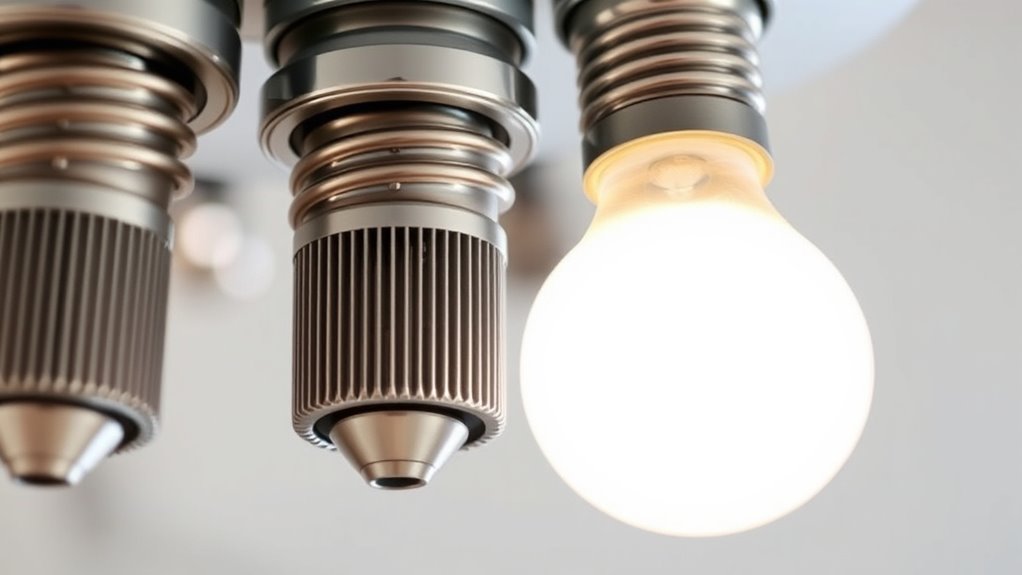

If your LED bulbs buzz or flicker, it’s often due to compatibility issues with dimmer switches, poor wiring, or low-quality components inside the bulb. Many LEDs aren’t designed for older dimmers or unstable electrical systems. Loose connections, outdated wiring, and power fluctuations can also cause noise and flickering. Choosing compatible, high-quality bulbs and ensuring proper wiring can help, and there’s more you can do to troubleshoot these common problems.

Get backup power and energy gear delivered free — and shop member deals
- Fast, free delivery on millions of items
- Access to Prime Big Deal Days deals on October 6–7
- Prime Video, Amazon Music and more included
Key Takeaways
- Using incompatible dimmer switches not designed for LEDs can cause flickering and buzzing.
- Poor wiring, loose connections, or grounding issues disrupt stable power flow, leading to dimming problems.
- Low-quality or faulty LED bulbs may not handle dimming properly, resulting in noise and inconsistent brightness.
- Inadequate or mismatched dimmers and bulbs can cause internal driver issues, producing buzzing sounds.
- Voltage fluctuations or unstable electrical supply can lead to flickering, buzzing, and dimming inconsistencies.
As an affiliate, we earn on qualifying purchases.
Understanding LED Dimming Technology

LED dimming technology allows you to adjust the brightness of LED lights smoothly and efficiently. This technology often integrates with smart lighting systems, giving you control via apps, switches, or voice commands. By dimming LEDs, you not only create the perfect ambiance but also enhance energy efficiency, saving you money on electricity bills. Modern LED dimmers use either phase-cut or 0-10V dimming methods, ensuring compatibility with various bulbs and fixtures. Understanding how these systems work helps you select compatible dimmers and avoid common issues like flickering or buzzing. Properly installed, LED dimming technology provides seamless brightness control, making your lighting smarter, more adaptable, and energy-conscious. This foundation is essential for troubleshooting any dimming problems you might encounter. Additionally, being aware of AI security concerns can help in safeguarding smart lighting systems from vulnerabilities. Incorporating dimming compatibility knowledge ensures you choose the right components for a reliable setup. To maximize performance, selecting dimmers with good electrical compatibility can prevent potential issues and improve overall longevity. Ensuring that your dimmers are properly load rated for your specific bulbs can further prevent flickering and buzzing issues. Being aware of personality traits associated with different electrical components can also guide you in making informed choices for your lighting system.
flickering LED bulb troubleshooting
As an affiliate, we earn on qualifying purchases.
As an affiliate, we earn on qualifying purchases.
Common Causes of Buzzing in LED Lights

Buzzing in LED lights often comes from incompatible dimmer switches, which aren’t designed for LEDs. Voltage fluctuations in your electrical system can also cause flickering and noise. Additionally, poor-quality bulbs tend to produce more buzz than well-made ones, so choosing better brands can make a difference. Sometimes, electrical compatibility issues are associated with perceived beauty, but a creative approach to troubleshooting can help identify and resolve the underlying issues more effectively. Implementing smart dimming technology can also help reduce buzz and improve overall performance.
Incompatible Dimmer Switches
When you use a dimmer switch that isn’t compatible with LED lights, it often leads to buzzing sounds. This happens because many older dimming switches are designed for incandescent bulbs, not LEDs. To avoid this, verify your dimming switch is compatible with LED bulbs. Here’s what might be happening:
- The dimmer isn’t designed for low-wattage LED bulbs, causing flickering and noise.
- The bulb compatibility is off, meaning the LED bulbs aren’t rated for the dimmer’s specifications.
- The dimmer’s wiring conflicts with LED circuitry, leading to irregular power flow and buzzing.
- Ensuring proper installation and understanding lighting compatibility can help prevent these issues. Choosing a dimmer switch specifically labeled for LED bulbs guarantees better performance and eliminates unwanted noise. Always verify bulb compatibility before installation to keep your lighting smooth and silent. Additionally, electrical system issues such as poor wiring or incompatible circuits can contribute to buzzing and flickering, so it’s important to ensure your entire setup is suitable for LED dimming. Proper electrical connections are essential for optimal functioning and noise reduction in LED lighting. Moreover, understanding dimmer technology can further help in selecting the right switch for your setup.
Voltage Fluctuations Present
Voltage fluctuations can cause your LED lights to buzz because inconsistent power levels disrupt their normal operation. When voltage fluctuates, the electrical current supplied to your bulbs becomes unstable, leading to flickering or buzzing sounds. Power surges, which are sudden increases in voltage, can also contribute to this problem by overwhelming the LED driver. These fluctuations often occur due to issues with your home’s wiring, nearby electrical devices, or problems with the utility grid. As a result, the LEDs struggle to maintain a steady light output, producing vibrations that manifest as buzzing. To fix this, you may need to stabilize your electrical supply, install surge protectors, or have a professional assess your wiring and power quality to eliminate these disruptive fluctuations. Proper wiring and power stability are essential for avoiding such issues. Additionally, understanding electrical load and how it affects your system can help prevent ongoing problems with flickering or buzzing. Ensuring consistent voltage regulation can significantly improve the performance and lifespan of your LED bulbs. Regularly checking your electrical system for voltage stability issues can also prevent future disturbances.
Poor Quality Bulbs
Poor quality LED bulbs are a common cause of buzzing because they often contain inferior components that can’t handle fluctuations in power or maintain stable operation. These bulbs typically lack proper quality assurance and don’t meet manufacturing standards, leading to inconsistent performance. When you install cheap LEDs, you might notice:
- Unsteady flickering as internal components struggle to adapt.
- Excessive noise caused by poor driver design or loose parts.
- Early failure due to inferior materials breaking down quickly.
These issues stem from shortcuts in production, neglecting strict quality assurance protocols. As a result, low-quality bulbs are more prone to buzzing and flickering, especially when dimmed or exposed to power fluctuations. Choosing reputable brands with solid manufacturing standards can help prevent these problems.
LED dimmer switch for smart lighting
As an affiliate, we earn on qualifying purchases.
As an affiliate, we earn on qualifying purchases.
Why Flickering Occurs in LED Bulbs
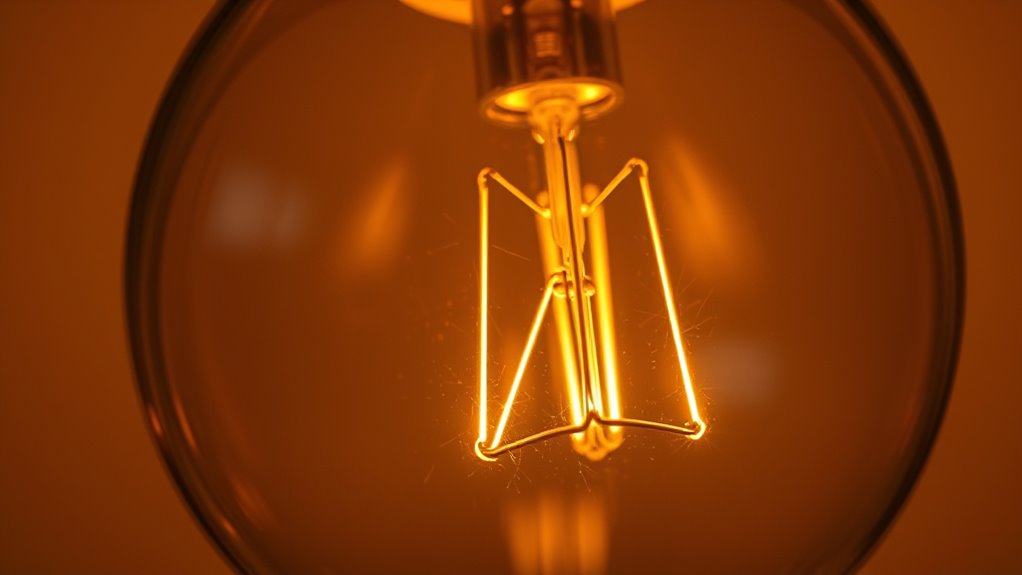
Flickering in LED bulbs often happens because of issues like inconsistent power supply or compatibility problems with dimmers. Faulty bulbs can also cause flickering, especially if they aren’t built properly or are nearing the end of their life. Understanding these causes helps you troubleshoot and find the right solution quickly. Additionally, using appropriate LED bulbs designed for dimming can significantly reduce flickering problems.
Inconsistent Power Supply
Have you ever noticed your LED bulbs flickering unexpectedly? This often happens because of inconsistent power supply, which can cause voltage instability and lead to flickering. Power supply fluctuations may occur for several reasons, such as:
- Sudden surges when large appliances turn on, throwing off the electrical balance.
- Voltage drops during peak usage times, affecting bulb performance.
- Wiring issues or poor connections that disrupt steady current flow.
- Understanding city dynamics can help identify infrastructure problems affecting power stability.
- Additionally, electrical system upgrades in some areas can cause temporary fluctuations impacting LED performance.
- Recognizing power grid fluctuations can help homeowners take proactive steps to protect their lighting systems.
These problems make your LED bulbs receive uneven power, causing them to flicker or buzz. Inconsistent power supply is a common culprit behind dimming issues, especially in older or overloaded circuits. Ensuring stable voltage and proper wiring can considerably reduce flickering caused by power fluctuations.
Dimmer Compatibility Issues
When your LED bulbs flicker despite a stable power supply, the issue often lies with the compatibility of your dimmer switch. Not all dimmers are designed for LED bulbs, which can cause flickering or buzzing. Dimmer compatibility is essential; using an incompatible dimmer can lead to inconsistent dimming or flickering. Similarly, bulb compatibility matters—some LED bulbs aren’t compatible with certain dimmers, especially older models. To fix this, check if your dimmer is compatible with LED technology. Upgrading to an LED-specific dimmer switch usually solves the problem. Always verify that your bulbs are compatible with your dimmer switch before installation. Ensuring both dimmer and bulb compatibility can provide smooth, flicker-free dimming and eliminate buzzing. Proper electrical compatibility is crucial for a reliable lighting setup, and understanding the compatibility requirements can help prevent future issues. Additionally, consulting manufacturer guidelines can offer specific recommendations for your particular LED bulbs and dimmers.
Faulty LED Bulbs
Faulty LED bulbs are a common cause of flickering because manufacturing defects or damage can disrupt their internal circuitry. When a bulb is defective, it can cause inconsistent power flow, resulting in flickering or buzzing. Imagine a bulb with:
- A mismatched LED color that flickers unpredictably, indicating internal issues.
- An odd bulb shape that doesn’t fit securely, causing loose connections.
- Damaged internal components, like loose wiring or faulty diodes, leading to unstable illumination. These issues can be worsened if the bulb shape isn’t compatible with your fixture or if the LED color shifts unexpectedly due to faulty circuitry. Always check for signs of damage or poor manufacturing quality, as these are often the root causes of flickering in LED bulbs.
high quality LED bulbs for dimmers
As an affiliate, we earn on qualifying purchases.
As an affiliate, we earn on qualifying purchases.
Compatibility Issues Between LEDs and Dimmer Switches
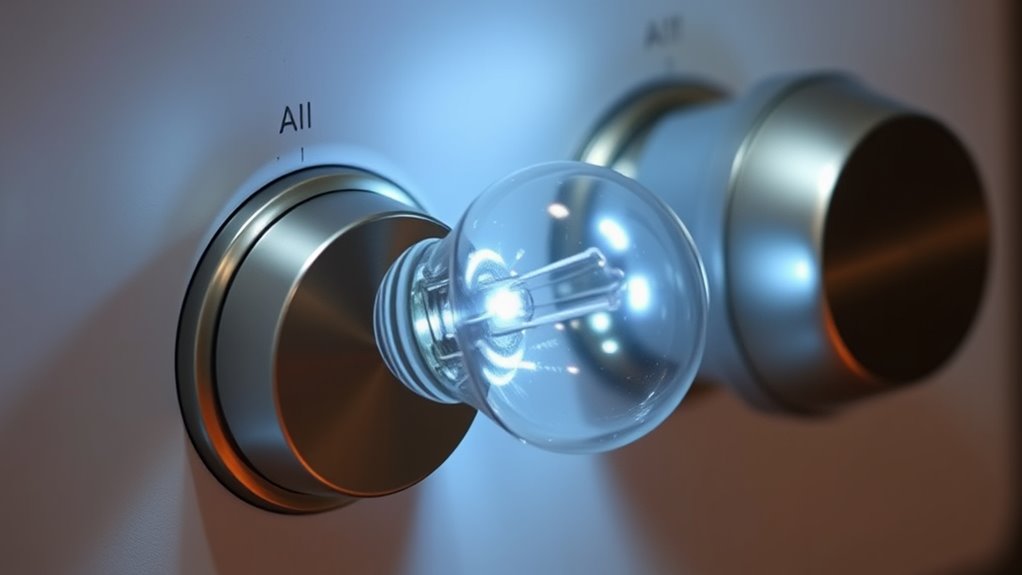
Compatibility issues between LEDs and dimmer switches often cause flickering, buzzing, or insufficient dimming range. Not all dimmer switches are designed for LED compatibility, which can lead to these problems. When your dimmer isn’t compatible, the LED bulb may not respond correctly to adjustments, resulting in flickering or noise. To avoid this, check that your dimmer switch is labeled as LED-compatible or designed for dimming LEDs specifically. Using incompatible dimmers can also cause premature bulb failure or inconsistent dimming performance. Upgrading to a dimmer switch made for LEDs ensures smoother operation and eliminates common issues. Always verify compatibility before installing a dimmer to ensure your LED bulbs perform at their best and avoid frustrating troubleshooting later.
The Impact of Quality and Brand on LED Performance

Choosing high-quality LED bulbs from reputable brands can substantially improve their performance and longevity. Quality LEDs often deliver better color rendering, making your spaces look vibrant and natural. They also tend to be more energy-efficient, reducing your electricity bills. When selecting a brand, picture this:
- A bulb that emits a warm, inviting glow with accurate color representation.
- A fixture that stays consistent without flickering or buzzing over time.
- A product built to last, resisting dimming issues and maintaining brightness.
Higher quality LEDs typically include advanced circuitry that stabilizes output, preventing flickering and buzzing. They also ensure the bulb’s color rendering remains true, enhancing visual comfort. By choosing trusted brands, you invest in reliability, energy savings, and better lighting experiences overall.
Electrical Wiring and Its Role in Dimming Problems
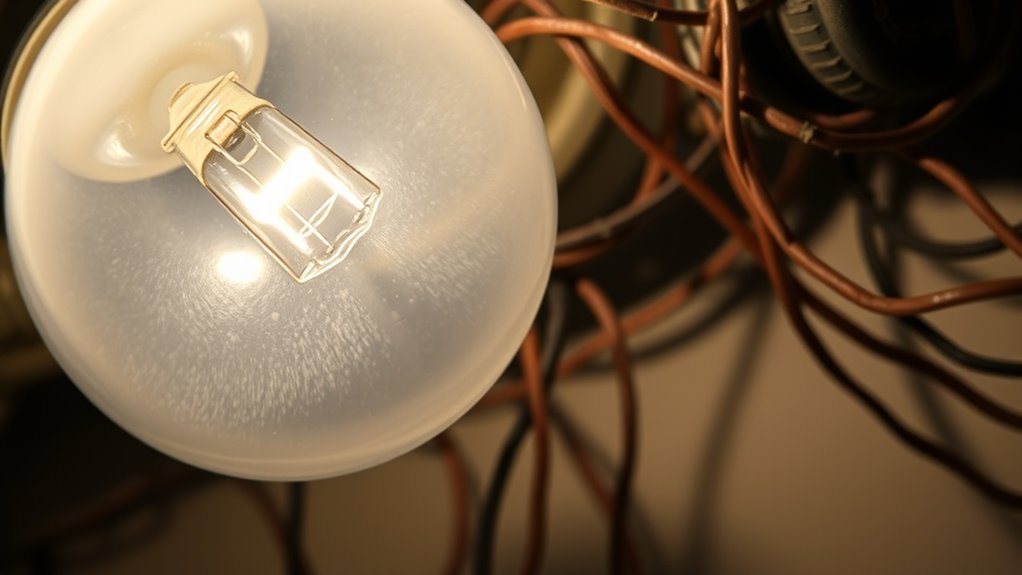
Electrical wiring plays a crucial role in how well your LED lights dim and perform. Poor wiring, such as loose connections or outdated wiring, can cause flickering or buzzing. Grounding issues are common culprits, disrupting the electrical flow and leading to inconsistent dimming. If your wiring isn’t properly grounded, your LEDs may not respond smoothly to dimmer switches, resulting in flickering or noise. Upgrading your wiring can improve performance, ensuring a stable power supply and minimizing problems. Proper wiring, including grounding and secure connections, helps your dimmer switch work effectively with LEDs. Addressing wiring issues early prevents ongoing flickering and buzzing, giving you a better, more reliable dimming experience. Remember, professional wiring upgrades often provide the safest and most efficient solution.
Tips for Choosing the Right Dimmable LED Bulbs

Selecting the right dimmable LED bulbs can make a significant difference in resolving flickering and ensuring smooth dimming performance. First, consider the color temperature; choosing warmer tones (2700K-3000K) creates a cozy feel, while cooler tones (5000K+) offer bright, daylight-like illumination. Second, pay attention to the beam angle—narrow beams (15°-30°) focus light on specific areas, while wider beams (60°-120°) spread light evenly across a room, reducing flickering issues. Third, check that the bulb is compatible with your dimmer switch, as some bulbs work better with certain dimmer types. By selecting bulbs with appropriate color temperature and beam angle, you’ll enhance your lighting experience and minimize flickering problems.
Troubleshooting Steps for Fixing Buzzing and Flickering

Buzzing and flickering issues often indicate compatibility problems or wiring concerns that can be fixed with some straightforward troubleshooting. First, check if your bulb’s color temperature matches your fixture and dimmer switch, as mismatched settings can cause instability. Next, assess the beam angle; a narrow or mismatched beam may lead to uneven light distribution, contributing to flickering. Ensure all connections are secure, especially if you’ve recently installed or adjusted your wiring. If you’re using a dimmer switch, verify it’s compatible with your LED bulbs, as incompatible dimmers often cause buzzing. Finally, test the bulb in a different socket or fixture to rule out local wiring issues. These steps help identify whether the problem stems from incompatible settings, wiring, or the bulb itself.
When to Replace or Upgrade Your LED Lighting System

Knowing when to replace or upgrade your LED lighting system is essential to maintain ideal performance and energy efficiency. If your bulbs no longer match your desired ambiance, consider upgrading their color temperature for warmer or cooler tones. When flickering or buzzing becomes persistent, it might be time for a replacement. Also, evaluate the beam angle; if your space feels dim or unevenly lit, switching to a broader or narrower beam can improve coverage. Here are signs to watch for:
Know when to upgrade LED lighting for optimal performance and ambiance.
- Your current bulbs emit inconsistent color temperature, affecting your mood and productivity.
- The beam angle no longer suits your space, causing shadows or uneven lighting.
- Persistent flickering or buzzing despite troubleshooting indicates outdated components.
Replacing or upgrading ensures your lighting stays efficient, consistent, and tailored to your needs.
Frequently Asked Questions
Can External Environmental Factors Cause LED Flickering or Buzzing?
Yes, external environmental factors can cause your LED bulbs to flicker or buzz. External noise, like vibrations from nearby machinery, can impact the bulb’s performance, while electrical interference from appliances or power lines can disrupt the flow of electricity. These factors may lead to inconsistent power supply, causing your LEDs to flicker or produce buzzing sounds. Ensuring proper wiring and reducing interference can help stabilize your LED lighting.
Do Dimmer Switch Age or Wear Affect LED Bulb Performance?
Yes, dimmer switch age and wear can affect your LED bulb performance. As your dimmer’s lifespan decreases, electrical wear increases, causing inconsistent flickering or buzzing. Over time, contacts may become loose or corroded, disrupting smooth dimming. Regularly inspecting your switch, replacing worn components, and upgrading to modern dimmers designed for LEDs can prevent issues and make sure your bulbs operate quietly and reliably.
Are There Specific LED Types Less Prone to Flickering?
Yes, certain LED types are less prone to flickering. For example, LED filament bulbs often provide more stable lighting because they mimic incandescent designs and generally work well with dimmers. Smart LED bulbs are also a good choice, as they feature advanced drivers that regulate power more effectively, reducing flicker. By choosing these types, you can enjoy smoother dimming and fewer issues with buzzing or flickering.
How Does Humidity Impact LED Dimming Issues?
Think of humidity impact like a foggy mirror—moisture interference can cause your LED dimming to act up. High humidity levels introduce moisture that can seep into connections, causing flickering or buzzing. I once had a dimmer switch malfunction after a rainy spell, demonstrating how excess moisture disrupts electrical flow. To avoid this, keep fixtures dry and guarantee proper sealing, especially in humid environments.
Can Frequent Power Surges Damage LED Bulbs and Cause Dimming Problems?
Frequent power surges can definitely damage your LED bulbs and cause dimming issues. They disrupt power quality and create electrical interference that stresses the bulbs’ internal components. Over time, this damage can lead to flickering or buzzing. To protect your LEDs, consider installing surge protectors or voltage regulators. These devices help maintain stable power, prevent electrical interference, and extend the lifespan of your lighting.
Conclusion
To keep your LED lights flicker-free and quiet, choosing the right bulbs and compatible dimmers is key. Did you know that over 50% of LED dimming issues stem from incompatible switches or poor wiring? By understanding these causes and following troubleshooting tips, you can enjoy smooth, buzzing-free lighting. Upgrading your system when needed guarantees better performance and longevity—so don’t wait until flickering becomes a bigger problem.
Fall Picks
fall essentials
As an affiliate, we earn on qualifying purchases.